Staying focused at work has become harder because most digital tools are connected to too many distractions. A laptop may be needed for documents and communication, but it also brings emails, browser tabs, chat messages, and app notifications into the same workspace. For people who need quiet thinking time, an ai paper tablet can create a more focused environment for writing, planning, reviewing notes, and organizing ideas without the constant pull of a full-screen computer.
Products from iFLYTEK show why this type of device is becoming useful for modern work. Instead of replacing every productivity tool, an AI paper tablet gives users a calmer place to capture thoughts, review meeting notes, summarize content, and manage tasks. It keeps the natural feel of handwriting while adding smart features that help users work more efficiently without jumping between apps all day.
Why Screens Make Focus Harder During Deep Work
Digital screens are not the problem by themselves. The bigger issue is that most work screens are overloaded with competing tasks. A user may open a laptop to write a plan, but within minutes, a message appears, an email needs attention, or a browser tab leads to something unrelated.
This kind of interruption makes deep work difficult. Every small switch breaks concentration and forces the brain to restart. For professionals who write reports, prepare meeting notes, review research, or plan projects, this can make simple tasks take longer than they should.
A focused writing device can reduce that pressure. When the workspace is built mainly for notes, reading, and organization, users are less likely to drift into unrelated tasks. The result is not complete isolation from digital work, but a better boundary between thinking and constant online activity.
A Paper-Like Workspace with Fewer Digital Interruptions
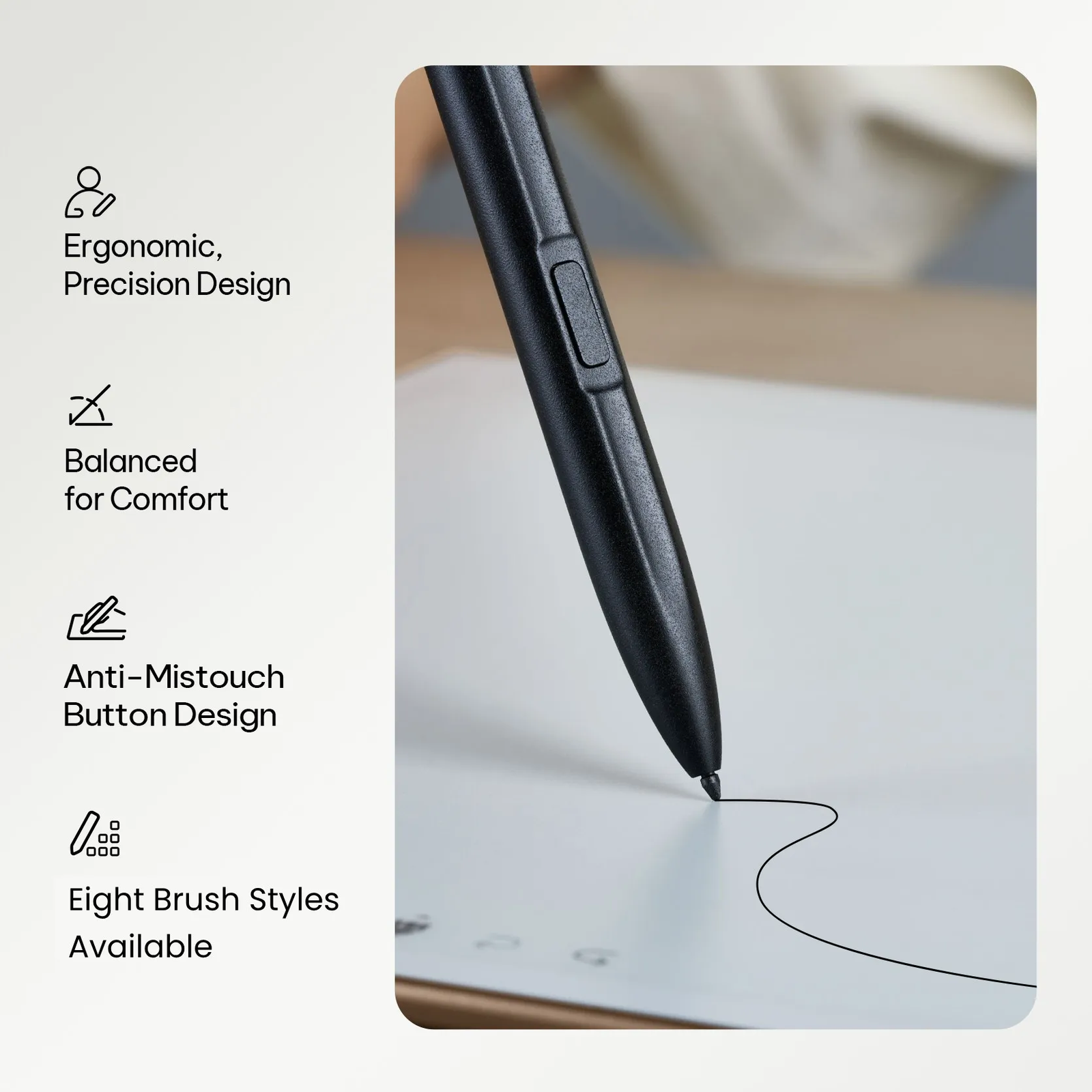
An AI paper tablet provides a different work rhythm from a laptop or phone. The screen is designed for reading and handwriting, so the experience feels closer to using a notebook than browsing a computer. That small change can make a real difference during planning, brainstorming, and meeting review.
Writing by hand often encourages slower and clearer thinking. Users can map ideas, underline priorities, draw quick structures, or mark important points without opening multiple windows. Because the device is not centered on entertainment or social apps, it naturally supports a quieter workflow.
This makes it useful for tasks that require attention rather than speed. A manager can outline a weekly plan, a student can review lecture notes, and a professional can prepare talking points before a meeting. The device becomes a dedicated space for thinking, not another source of noise.
How AI Tools Support Productivity Without App Switching
The advantage of an AI paper tablet is not only that it reduces distractions. It also helps users complete important work without constantly moving between different tools. AI features can support note summaries, handwriting recognition, transcription, and task extraction, depending on the device and workflow.
For example, after a meeting, users may not need to open a laptop immediately to rewrite every point. Handwritten notes can be converted into cleaner text, while summaries can help identify decisions and next steps. During planning, rough ideas can be organized into a more useful structure before they are shared or turned into a document.
This reduces the need for repeated app switching. Instead of writing in one place, recording in another, and summarizing somewhere else, users can keep more of the thinking process inside one focused device. That makes the workflow feel lighter and more controlled.
Using Handwriting to Slow Down and Organize Thinking
Fast typing is useful, but it is not always the best way to think. When users type quickly, they may capture too much information without deciding what matters. Handwriting creates a different pace. It pushes users to choose key points, connect ideas, and organize information more intentionally.
An AI paper tablet keeps this benefit while solving some of the weaknesses of paper. Notes can be saved, searched, converted, and reorganized. Users can still enjoy the clarity of handwriting, but they do not lose the convenience of digital records.
This is especially valuable for work that involves planning and decision-making. A handwritten outline can help users see priorities more clearly. A mind map can make complex ideas easier to understand. A task list written by hand can feel more deliberate than a quick note typed into a crowded app.
When an AI Paper Tablet Works Better Than a Laptop or Phone
An AI paper tablet works best when the goal is focused capture, review, and planning. It is a strong choice for meeting notes, reading sessions, brainstorming, daily planning, lecture review, and project organization. In these situations, users often need a quiet space to process information rather than a full computer environment.
A laptop is still better for heavy document editing, spreadsheets, presentations, and complex software. A phone is useful for quick communication and reminders. However, both devices can easily pull attention away from the original task.
For people who often feel distracted by screens, an AI paper tablet offers a practical middle ground. It keeps work digital, searchable, and AI-supported, but the experience stays closer to paper. That balance can help users protect focus, reduce unnecessary interruptions, and turn notes into clearer action without letting the screen take over the workday.
