
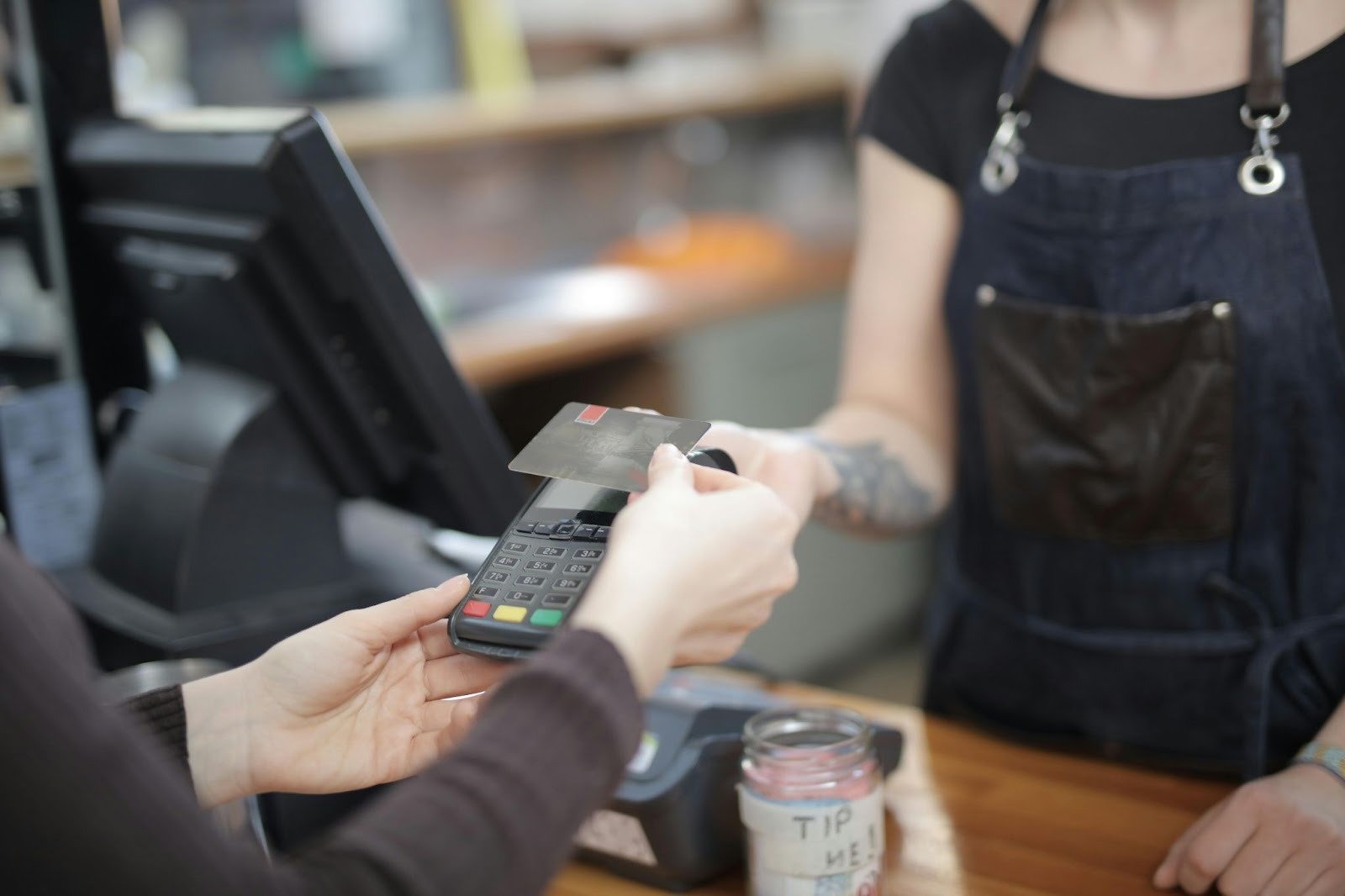
Your POS isn’t just a register. It’s your operations backbone—payments, inventory, staff scheduling, customer data, everything flows through it. Pick wrong, and you’re bleeding money on fees, fighting your staff over clunky workflows, and losing visibility into what’s actually selling. Pick right, and the whole business runs smoother. So let’s cut through the noise and figure out what actually matters when you’re evaluating restaurant POS solutions. The market’s crowded. Square, Toast, Lightspeed, Clover—they all claim to be “the best.” None of them are for everyone.
Why Your POS Is the Most Important Decision After Your Menu
Think about your day. Orders come in. Kitchen needs them fast. Servers grab tickets or check tablets. Customer pays. You need that transaction recorded instantly—revenue tracked, inventory updated, labor costs logged. Every second a server spends fumbling through a sluggish interface costs you money. Every minute the kitchen wastes because orders come in wrong costs you tickets and angry customers.
Your POS is the nerve center. It talks to your payment processor. It syncs with your online ordering platform. It feeds data to your accounting software. If it’s slow, disconnected, or charges you hidden fees, you’ll feel it in your margins every single day. And if you’re running multiple locations, a fragmented system becomes a nightmare—different reports from each site, inventory that doesn’t sync, staff trained on three different interfaces.
The good news: 2026 has solid options. The catch is that “best” depends on your operation—how many covers you do, what service style you run, how tech-savvy your team is, and how much you want to spend on hardware and monthly fees.
The First Big Choice: Cloud vs. On-Premise POS Systems
This decision splits everything else. Cloud or legacy on-premise. Neither is objectively “right”—but they solve different problems.
The Modern Approach: Cloud-Based POS
Cloud systems run on your vendor’s servers. You access them via internet on tablets, terminals, or phones. Updates happen silently in the background. You’re never stuck on old software waiting for a technician to show up.
Real perks: Remote access (check sales from home, adjust prices from anywhere). Automatic backups (no data loss if your hardware dies). Scales easily (add a new location, new terminal, new user—no infrastructure nightmare). Lower upfront cost (you rent terminals instead of buying them). Real-time data (all your locations sync instantly).
The downside: You’re dependent on internet. If your connection drops during dinner rush, you’re still taking orders, but you can’t process payments or pull reports until it’s back. Some cloud systems also charge per transaction on top of the monthly fee, which adds up if you run high volume.
The Traditional Model: On-Premise (Legacy) POS
On-premise systems live on your own server in your restaurant. You own the hardware, control the data, and aren’t reliant on vendor uptime.
Real perks: Full control (you decide when to update, how to customize). Works offline (if your internet dies, you’re still running sales—they sync when connection comes back). No surprise transaction fees (usually a flat monthly cost).
The reality: High upfront investment ($3,000–$8,000+ for hardware). Manual updates mean you’re stuck on older software until you pay for an upgrade. Hardware failures require on-site technician visits. Multi-location reporting is a manual headache. Scaling is expensive—new location means new server, new terminals, new network setup.
Most restaurants today lean cloud. The math works—lower startup cost, easier scaling, automatic updates, remote access. But if you’re in an area with spotty internet and you need guaranteed offline operation, on-premise still exists.
7 Key Factors for Your Restaurant POS Comparison
When you’re evaluating systems, these are the decisions that actually matter. Don’t get distracted by marketing language. Focus on what you’ll use every day.
Core Software Features: Order Entry and Reporting
Can your servers take orders quickly? Does the kitchen see them instantly? Can you split checks at the table? Can you run a simple sales report without calling tech support?
Square for Restaurants works great if you’re small—free plan, intuitive mobile interface, no contracts. But multi-location reporting is limited. You’ll see sales dashboards on your phone, but pulling a detailed comparison across locations takes work.
Toast shines for full-service restaurants. Tableside ordering on tablets, bill splitting, handheld payments—it’s built for the complexity of sit-down dining. The tradeoff: Toast requires their hardware bundles, which adds cost and locks you in.
Lightspeed handles complex menus and real-time inventory sync across locations. If you run a multi-unit operation with modifiers, allergen tracking, and detailed reporting, Lightspeed’s the heavier hitter. Cloud-based, Essential plan runs $189/month, Premium is $399/month. Both include CRM and loyalty.
Hardware Requirements and Integration
What terminals, kitchen display systems (KDS), and printers do you actually need? And will they work if your primary vendor goes under?
Square works with standard hardware—iPad, Android tablet, any USB printer. You’re not locked into proprietary gear. Clover also offers hardware flexibility with customizable options and an app marketplace. If you need a specialized integration, Clover’s app ecosystem lets you bolt it on.
Toast hardware bundles are proprietary. You’ll buy their terminals, their KDS, their printers. It integrates perfectly with their software, but you’re dependent on their supply chain and pricing.
Check: What happens if you switch systems in three years? Can you take your hardware with you, or will it become e-waste?
Integrated Payments and Processing Fees
This is where vendors bury margin-eating costs. Some charge a flat percentage per transaction (2.5–3.5%). Others charge a flat monthly fee. Some do both.
Square’s free plan includes card processing at standard rates. Upgrades add monthly fees. Toast fees climb with add-ons—subscription plus transaction fees on top. Check your monthly billing logs. Over time, these add up fast.
BPA POS includes full features (gift cards, loyalty, inventory) for a flat $155/month—no online ordering transaction fees. That’s clearer math. Lightspeed and Clover also offer EMV and contactless payment compatibility, but you’ll want to compare the actual fee schedule, not just the claim.
Action: Ask vendors for a sample month of transaction costs at your expected volume. Not a quote—actual numbers from a similar restaurant.
Total Cost of Ownership (TCO)
Add it up: hardware, monthly subscription, payment processing fees, training, support costs. Over three years, a “cheap” system with hidden fees often costs more than a straightforward option.
Square free plan: $0/month base, but advanced tools need paid upgrade. Good for food trucks and small cafes. Toast: subscription plus fees, requires hardware bundles. Lightspeed Essential: $189/month. BPA: $155/month flat. Over 36 months, that’s a $5,400 to $6,804 difference. Factor in hardware costs ($500–$2,000 per location) and payment processing, and you’re making a $10,000+ decision.
Ease of Use and Staff Training
During dinner rush at 7pm, your new server needs to ring in a table. They shouldn’t need a manual. The interface should feel obvious.
Square and Clover have the gentlest learning curves—they’re built to feel like consumer apps. Toast and Lightspeed are more powerful but steeper. Lightspeed’s setup takes longer for complex menus with modifiers. Check the onboarding timeline—some vendors need 3–4 weeks to get you live; others do it in days.
Customer Support and System Reliability
Your POS goes down at lunch. How fast can you reach someone? Are you on hold for 45 minutes, or is there a live chat?
Toast has strong support (they’ve built a reputation on it) but charges for premium tiers. Square’s support is email-heavy and slower. Lightspeed and Clover offer phone support, but response times vary by plan. Test their support during your demo phase—call their help line as a prospect and time how long you wait.
Integrations and Scalability
Your POS needs to talk to your online ordering platform, accounting software, staff scheduling tool, and loyalty program. If it doesn’t integrate natively, you’ll be manually exporting CSVs and praying data matches.
Clover’s app marketplace gives you hundreds of third-party integrations. Lightspeed integrates with major platforms out of the box. Toast integrations exist but sometimes require custom setup. Square’s ecosystem is growing but still limited for complex operations.
For multi-location expansion, cloud systems scale by default. On-premise systems become a pain. If you’re planning to go from one location to five in the next three years, cloud is the only realistic option.
Tailoring the POS to Your Service Style
A food truck and a fine dining restaurant have nothing in common. Don’t force the same system onto both.
For Quick-Service (QSR) & Fast-Casual: Speed and Simplicity
You need order entry fast. Kitchen display systems (KDS) that show tickets instantly. Customer-facing displays so people know when their order’s ready. Drive-thru functionality if you have one.
Square works here. So does Clover. Both are fast, simple, and don’t require servers to juggle complex table management. Payment processing is straightforward. You’re not paying for features you’ll never use.
Check: Can the system handle your peak hour volume? If you do 200 transactions in 2 hours, can the terminals keep up, or do they lag?
For Full-Service & Fine Dining: Experience and Control
Servers need to manage complex checks with split payments, modifiers, and special requests. Table management matters—you need to know which tables are open, how long they’ve been seated, whether the kitchen is backed up.
Toast is built for this. Advanced table management, reservation systems, modifier management, handheld terminals for servers taking orders at the table. The cost is higher, but the workflow is built for sit-down dining.
Lightspeed also handles this well—real-time inventory, detailed reporting, multi-location coordination. If you’re running a small fine dining group, Lightspeed’s complexity is worth it.
Your 4-Step Buying Guide and Features Checklist
Stop overthinking. Here’s how to actually make the decision in 2026.
Step 1: Assess Your Needs & Budget
Write down your actual requirements. Single location or multi-unit? How many covers per day? What service style? Do you need online ordering integration? Inventory tracking? Loyalty program? Budget: Are you comfortable with cloud monthly fees, or do you want to own hardware outright?
Step 2: Research and Shortlist Vendors
You’ve already narrowed it down based on your service style. Now dive deeper. For a detailed side-by-side analysis of what the market offers, check out POS system comparisons and comparison guides. Read reviews from actual users (not vendor testimonials). Look for complaints about fees, support response times, and system downtime.
Step 3: Schedule Live Demos
Don’t just watch a video. Get a real demo where someone logs in and shows you how they’d ring in your actual menu items. Ask about the stuff that matters to your team. Can your server split a check in 10 seconds? Does the kitchen display show orders clearly? What does the reporting look like?
Step 4: Check References and Make a Decision
Ask the vendor for references from three restaurants like yours. Call them. Ask: What do you love? What would you change? How’s the support? How’s the actual monthly cost compared to the quote?
Features Checklist:
- ☑ Cloud or on-premise (based on your internet reliability and scale plans)
- ☑ Order entry and table management (for your service style)
- ☑ Kitchen display system integration
- ☑ Integrated payments with a clear fee structure
- ☑ Inventory tracking and real-time sync
- ☑ Multi-location reporting (if applicable)
- ☑ Online ordering integration
- ☑ Loyalty and CRM capabilities
- ☑ Staff scheduling tools
- ☑ Hardware flexibility (can you use standard gear or are you locked in?)
- ☑ Support availability and response time
- ☑ Total cost of ownership over 3 years
Pick the system that scores highest on what actually matters to your business. Not the most features. Not the cheapest. The one that solves your specific problems without bleeding you dry on fees or support costs.
