
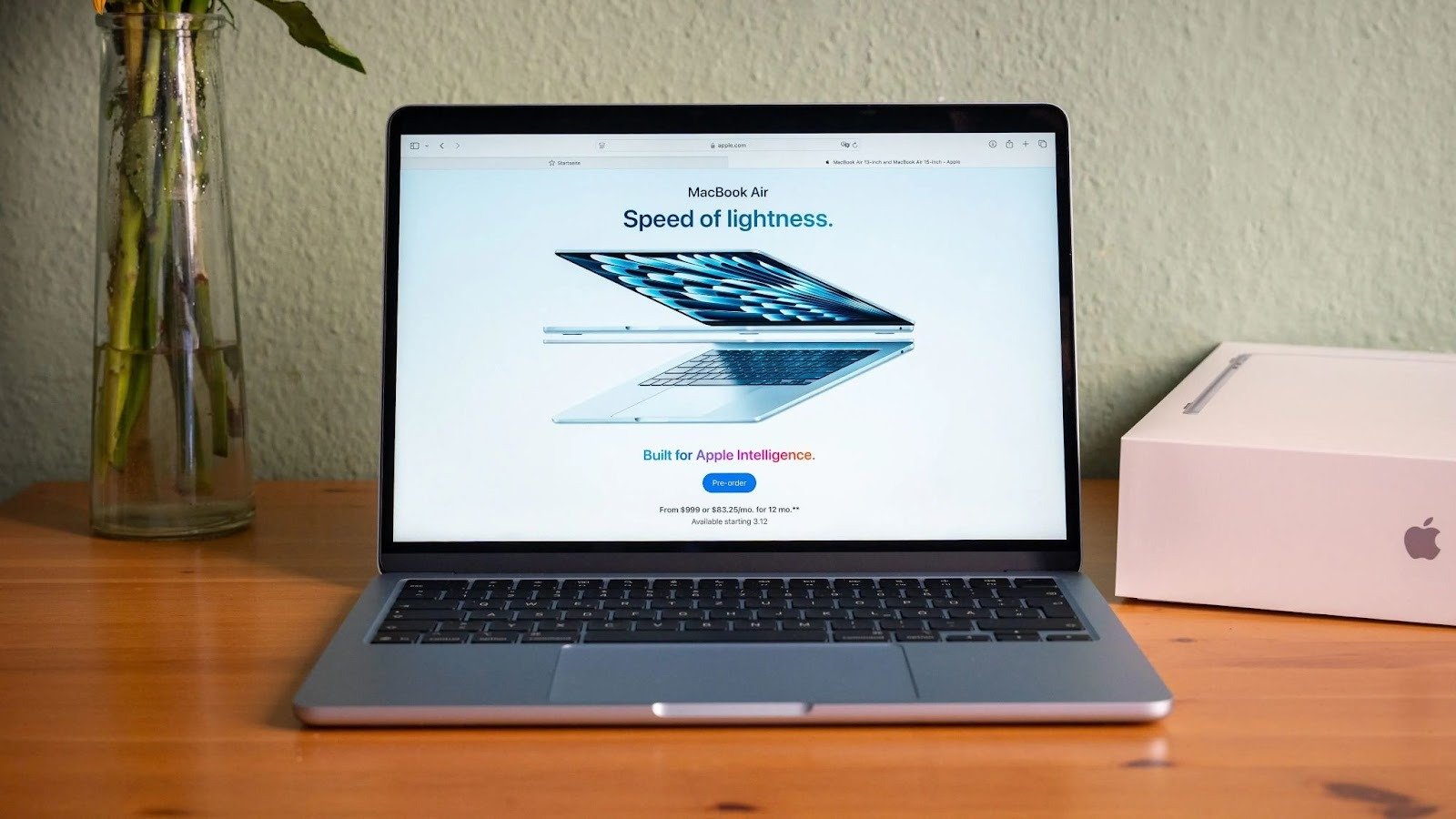
If you’re planning to Sell Used MacBook, you probably have two main concerns:
- How much money will I get?
- Is my data really safe?
Whether you own a MacBook Pro or MacBook Air from Apple, selling your pre-owned Apple laptop can be simple — but only if you choose the right method.
In this guide, I’ll walk you through every realistic option available in the US, compare platforms like eBay, Craigslist, Amazon Renewed, Best Buy Trade-In, and Gazelle, and explain how professional buyers such as We Buy Back Electronics fit into the picture.
This is not hype. Just honest comparison, real pros and cons, and practical advice so you can sell confidently — with data safety and peace of mind.
Why People Decide to Sell Used MacBook
Most sellers fall into one of these categories:
- Upgrading to a new model
- Switching from Mac to Windows
- Business IT equipment refresh
- Student graduation
- Downsizing unused devices
- Needing quick cash
MacBooks hold strong MacBook resale value compared to many laptops. Thanks to Apple’s long-term software support and strong brand demand, even older model year devices still have good market demand.
But resale price depends heavily on:
- Model year
- Storage capacity
- RAM size
- Battery health
- Screen condition
- Cosmetic condition
- Original accessories
- Warranty status
Understanding these factors helps you make better decisions before listing your used MacBook for sale.
Step 1: Data Safety Before You Sell
Before comparing platforms, let’s talk about the most important part — your personal data.
A MacBook usually contains:
- iCloud login
- Saved passwords
- Business files
- Photos and videos
- Banking details
- Tax documents
How to Securely Wipe Your MacBook
Here’s a safe process recommended by experts and supported by communities like MacRumors and repair guides from iFixit:
- Sign out of iCloud
- Deauthorize iTunes (if applicable)
- Back up file
- s using Time Machine
- Erase disk via macOS Recovery
- Reinstall macOS
- Confirm it boots to setup screen
This ensures your buyer cannot access your data.
If you’re uncomfortable doing this yourself, selling to a professional buyer who handles certified data wiping can provide peace of mind.
Where to Sell Used MacBook: Honest Comparison
Let’s objectively compare your main options.
Sell on eBay
Best for:
- Sellers who want maximum resale price
- People comfortable handling shipping and disputes
Pros:
- Large buyer base
- Competitive bidding can increase resale price
- Good for high-demand models
Cons:
- Seller fees
- Risk of returns
- Buyer scams or chargebacks
- You handle listing, photos, descriptions
- Shipping risk
Use Case Example:
You have a 2021 MacBook Pro with high storage capacity and strong battery health. Demand is high. eBay may give you top dollar — if you’re willing to manage the process.
Sell on Craigslist
Best for:
- Local cash deals
- Avoiding shipping
Pros:
- No platform fees
- Instant local transactions
- No shipping needed
Cons:
- Personal safety risks
- Lowball offers
- No buyer protection
- Time-consuming communication
Real-World Scenario:
If you live in a major US city and don’t mind meeting in public, Craigslist may work. But you must stay cautious.
Amazon Renewed
Amazon Renewed is more for certified sellers than individuals.
Best for:
- Businesses or refurbishers
- Bulk sellers (B2B)
Pros:
- Strong trust factor
- Higher resale range for certified devices
Cons:
- Not ideal for individuals
- Requires refurbishing standards
For most regular users wanting to sell a second-hand MacBook Pro, this isn’t practical.
Best Buy Trade-In
Best for:
- Convenience
- Store credit users
Pros:
- Easy process
- Trusted brand
- Instant quote
Cons:
- Lower resale price range
- Often store credit
- Limited negotiation
If you’re upgrading to another device at Best Buy, trade-in can be simple — but you may not get the highest value.
Online Buyback Services
Best for:
- Simple online selling
- Quick payment
Pros:
- Easy shipping
- No listing effort
- Predictable price estimate
Cons:
- Offer may adjust after inspection
- Price usually lower than private sale
Buyback services remove hassle but trade some profit for convenience.
Dedicated Electronics Buyer
If your goal is:
- Safe data handling
- Straightforward pricing
- No listing effort
- Quick turnaround
- Selling in bulk (B2B) or single device (B2C)
A professional buyer may be your best route.
For example, We Buy Back Electronics purchases old, used, and second-hand electronics across the US. Sellers who don’t want to deal with auctions or strangers often prefer structured buyback services like this because the process is direct and predictable.
This option works especially well for:
- Businesses replacing multiple MacBooks
- Schools upgrading IT equipment
- Remote workers upgrading devices
- Users who prioritize security over squeezing every dollar
How to Estimate Your MacBook Price
Before you sell, you should calculate a fair MacBook price estimate.
Key Factors That Influence MacBook Resale Value:
- Model year – Newer models hold higher value.
- Storage capacity – 512GB or 1TB models sell better.
- RAM size – 16GB or more is in demand.
- Battery health – Above 85% is ideal.
- Screen condition – No dead pixels or cracks.
- Cosmetic condition – Fewer dents = better resale.
- Original accessories – Charger and box increase value.
- Warranty status – AppleCare adds confidence.
- Market demand – Depends on current releases.
- Resale price range trends – Check active listings.
Compare multiple platforms before making your final decision.
Private Sale vs Trade-In vs Professional Buyer
Here’s a quick comparison:
If You Want Maximum Price:
→ Sell privately (eBay or local)
If You Want Convenience:
→ Trade-in program
If You Want Security + Balance:
→ Professional electronics buyer
The right answer depends on your personality and priorities.
MacBook Selling Tips from Industry Experience
After years of observing resale markets, here are practical tips:
Clean the Device Properly
A clean MacBook looks higher value.
Be Honest About Condition
Overstating condition leads to disputes.
Take Clear Photos
Show:
- Screen
- Keyboard
- Ports
- Corners
- Battery cycle count
Check Market Demand Timing
Selling right after a new Apple release may reduce price slightly.
Decide Based on Time vs Money
Are you okay spending 2 weeks managing listings?
Or do you prefer immediate payment?
Who Is Selling Used MacBooks Today?
Students
Upgrading after graduation.
Freelancers
Switching to newer models for performance.
Businesses (B2B)
Upgrading entire teams.
IT Departments
Refreshing hardware cycles every 3–4 years.
Remote Workers
Moving to new Apple silicon devices.
Each group values something different — speed, price, safety, or bulk processing.
Data Safety: Why It Matters More Than Price
Many sellers underestimate this.
A forgotten login session can expose:
- Email access
- Cloud storage
- Company documents
- Saved banking credentials
If you’re a business, improper wiping can lead to compliance risks.
Selling to structured buyers who handle secure data erasure can reduce stress. That’s why some sellers prefer professional services like We Buy Back Electronics rather than peer-to-peer marketplaces.
Peace of mind often outweighs a small price difference.
When Should You NOT Sell?
You might want to keep your MacBook if:
- It still meets your performance needs
- Upgrade cost outweighs resale value
- Battery replacement is cheaper than new purchase
- It works well as a backup device
Sometimes upgrading RAM or storage (if possible) may extend usability.
Understanding MacBook Upgrade Options
Before selling, consider:
- External SSD for more storage
- Battery replacement
- macOS optimization
- Cleaning fans and thermal paste (advanced)
If performance still struggles, then selling makes sense.
Common Questions About Selling Used MacBook
Is it safe to sell my MacBook online?
Yes — if properly wiped and sold via a reputable channel.
How long does it take to sell?
- eBay: 3–10 days
- Craigslist: 1–7 days
- Trade-in: 1–2 weeks
- Professional buyer: Often faster
What is a fair resale price range?
Depends on condition, model year, and configuration. Always compare multiple quotes.
Should I repair a cracked screen before selling?
Usually no — repair costs often exceed added resale value.
How to Sell Used MacBook with Peace of Mind
Selling your MacBook doesn’t have to be stressful.
Here’s the simple decision guide:
- Want top dollar and can handle effort? → Private sale
- Want convenience and store credit? → Trade-in
- Want safe, straightforward selling? → Professional electronics buyer
The best choice depends on:
- Your time availability
- Risk tolerance
- Data security concern
- Price expectations
If your priority is a balanced experience — fair pricing, secure handling, and minimal hassle — structured buyback services in the US can make the process easier.
In the end, the goal isn’t just to sell your used MacBook.
It’s to sell it safely, confidently, and without regret.
Make your choice based on facts — not hype — and you’ll walk away with both cash and peace of mind.
