
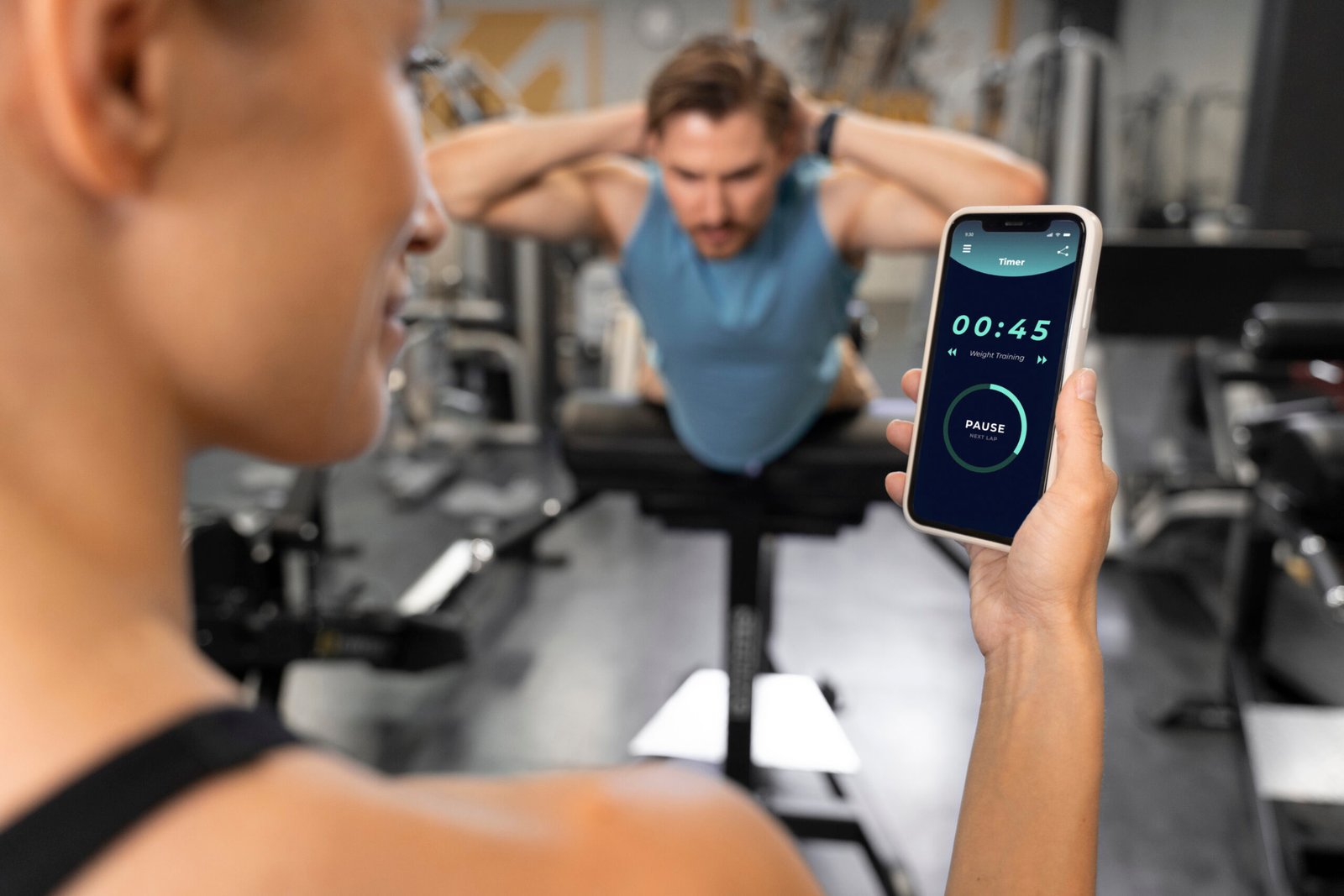
A few years ago, when I thought of “serious” training, all that came to mind were elite runners or professional athletes who worked with a coach and trained for several hours every day. I had no idea what my heart rate was up to. It wasn’t clear if my pace was getting better or if it had just been a good day. And if I missed a workout? It got lost in the fog of a hectic week.
After which, I invested in my first fitness tracker.
It wasn’t much to look at, and it wasn’t fancy or expensive, but it did something unexpectedly powerful: It made my habits visible. I could suddenly see how much I moved on weekdays versus weekends. I saw just how little I would sleep from late-night scrolling. I could even see trends — such as the fact that I tend to work out harder after a good night’s sleep.
That is the true magic of connected fitness. It’s not that you have to turn yourself into a robot. It’s supposed to be about learning from your own data, and creating a training plan that actually works for you.
In this guide, we go through the ins and outs of how fitness apps like the ones outlined below work with connected devices, breaking down exactly what you need to do step by step to create a tech-forward training plan and steering clear of all the most common errors people make when they start tracking everything.
What “Connected Fitness” Really Means
It’s a straightforward and powerful concept: your workouts and wellness habits are recorded, synced and analyzed via technology.
It typically consists of three major components:
- A fitness app (on your phone)
- Wearable Device (watch, band, chest strap, scale etc.)
- Cloud tracking (your data is stored & charted over time)
Because rather than having to guess if you’re getting better, connected fitness gives you some cold hard numbers. It changes “I think I’m getting fitter” into “My resting heart rate fell, and my pace picked up.”
For the rest of us, meaning anyone trying to juggle work and family as well as a few free hours every week — it can be that difference between quitting or hanging on.
How to Select a Fitness App for Your Goal
All fitness apps are not created equal. Some are aimed at endurance athletes; others work well for newbies looking to establish an easy routine.
Here are some of the most frequent:
1) Running & cycling tracking apps
These focus on:
- GPS route tracking
- pace and splits
- distance trends
- elevation gain
Pros Excellent for: running, walking, biking and outdoor training.
2) Strength training log apps
These focus on:
- sets, reps, and weights
- progression tracking
- workout templates
Best for: Gym-goers who want structured progression.
3) HIIT and home workout apps
These focus on:
- guided workouts
- timers and circuits
- short intense routines
Good for: those at home with little time to train.
4) Recovery and sleep apps
These focus on:
- sleep stages
- recovery scores
- readiness indicators
Good for: Anybody who wants higher energy and more consistency in the long term.
The trick is this: find apps that align with your goal, not ones that claim to do everything.
Decoding Your Health App: What It Monitors, or Misses
The average person shells out for a smartwatch or fitness band, and that’s about it. But it also helps to know what the device is actually measuring.
Smartwatch/Fitness Band
Typically tracks:
- steps
- calories (estimated)
- heart rate
- workouts
- sleep
It’s your “all-in-one dashboard.”
Wrist vs Chest Strap Heart Rate Sensors
Wrist-worn sensors are convenient but may be less accurate during:
- high-intensity workouts
- interval training
- strength training
Chest straps tend to be more accurate because they read the electrical signals of your heart.
GPS Tracking
GPS gives you:
- real pace
- distance accuracy
- route maps
- elevation
This is particularly handy for outdoor sports when terrain and conditions make a difference.
Smart Scales
MPH/MC4V/BIA vs. monument This measures body composition (body fat, muscle mass). They do a good job for trends, but they’re not perfect. Consider them as a rough guideline — not a prescription.
Creating a Tech-Driven Training Plan, Step by Step
This is where tech actually becomes helpful — not as a gimmick, but as a coaching aid.
Step 1: Set ONE clear goal
Examples:
- “Run a 5K without stopping”
- “Lose 5kg in 12 weeks”
- “Strength train 3x per week”
- “Improve overall fitness and energy”
A specific goal helps your apps and devices work for you, not against you.
Step 2: Focus on 2–3 key metrics only
That’s where a lot of people are getting confused. They monitor everything and then they flame out.
Choose Your Metrics Try to use a combination of these: Schools: Input-based measures are available nationwide for each metric.
- For running: pace and weekly distance + heart rate
- For muscle: volume + progression For strength:volume + training intensities.
- For losing weight: steps + calories consumed + sticktoitiveness
- For wellness: sleep + rhr
Step 3: Track a baseline week
Get the real-picture data before you go to “fix” anything.
- How active are you now?
- How often do you train?
- Your sleeping routine: What does that look like?
That first week becomes your baseline.
Step 4: piece together a week So you know when your peak time is.
A realistic plan is better than a perfect one you won’t follow.
Example weekly structure:
- 3 training days
- 1 light walk or day of outdoor activities
- 1 mobility/recovery day
- 2 rest days
Progress happens with daily habits you can stick to not random acts of inspiration.
Train Smarter With Heart Rate Zones (Without Becoming Obsessed)
Heart rate zones may sound daunting, but they merely represent levels of intensity.
Most apps divide zones like:
- Zone 1: warm-up/recovery
- Zone 2: endurance (steady pace)
- Zone 3: moderate effort
- Zone 4: hard intervals
- Zone 5: maximum intensity
It’s a rookie mistake to train in the “too hard” zone all day. That causes fatigue and injury.”
A smarter plan:
- 70–80% easy/moderate training
- 20–30% high intensity
That equilibrium is endurance-building and good for your body.’
The Motivation Side: The Role of Apps in Helping People Give Frequent and Consistent Feedback
That part, people don’t realize.
Health apps employ tiny nudges of psychology:
- reminders
- streaks
- achievement badges
- weekly summaries
- progress graphs
And although it may sound silly, reading “You trained 3 weeks in a row” can give you an amazing motivation on the day when all you want to be is lazy.
The best part? It’s not just motivation. It’s evidence that you’re coming in.
Data Overload: Here’s why you lose motivation to stay healthy facts-counter.Translation -Explanation Introduction.
The truth is, connected fitness can be trouble if you let the numbers get in your head.
Common mistakes include:
- obsessing over daily weight fluctuations
- trusting calorie-burn estimates too much
- comparing yourself to others
- overtraining due to the app “recommending” it
- ignoring rest and recovery
You are not your data. It’s just information.
Treat it as a map — not a judge.
On Privacy and Security: A Tech Reality Check
Fitness apps often collect:
- location data (routes, maps)
- health data (heart rate, sleep)
- device identifiers
- That data can be sensitive.
Smart safety steps:
- disable public route sharing
- right to start/end points of your home
- review permissions
- use strong passwords and 2FA
It’s a small thing that keeps you safe over the long run.
An Example You Can Use: A Four-Week, Tech-Focused Plan
- Week 1: baseline + 3 workouts
- Week 2 add another 10% on top of that volume (distance or reps)
- Week 3: add 1 intensity session (intervals or heavier lifting)
- Week 4: decrease volume just a little and assess progression
Your device and app will display trends — resting heart rate, pace improvements, training consistency.
That’s when it becomes real: You’re no longer speculating.
And for many outdoor athletes and active-goers, the tech plan matches easily with practical preparation—comfortable clothing, weather-ready accessories, and sport lifestyle gear from retailers like USportsGear—because consistency isn’t only a matter of motivation: It’s about reducing friction on training days.
Tech Is the Tool-Consistency Is the Upgrade!
Fitness tech doesn’t replace discipline. It supports it.
The best training program is not the most complicated one. It’s the one you can repeat week to week with me, as we learn from your past experiences and fine-tune your technique.
Start simple:
- choose a goal
- track a baseline
- focus on a few metrics
- review weekly progress
- adjust without stress
Because in the end, the biggest change isn’t in your smartwatch graphs — it’s that you stopped letting anything else determine when to quit.
