
If you’ve ever tried to pull usable text out of an hour-long webinar, a podcast episode, or a back-and-forth interview, you know the routine: download a noisy caption file, wrestle with broken timestamps, and spend hours cleaning speaker turns and punctuation before you can quote or repurpose the content.
For freelancers, studios, and busy teams, that editing and cleanup time is the real cost, not just the few dollars charged per minute or the inconvenience of storing large media files.
This article breaks down the real-world tradeoffs of common transcription workflows, the decision criteria that actually matter for production, and practical ways to get from raw audio or video to publish-ready content. Along the way I’ll point to a practical option, SkyScribe, as one solution that addresses specific pain points without pretending to be a perfect fit for every scenario.
Note: this is a workflow-focused, practical perspective intended to help you choose tools and processes that reduce friction and improve output quality in day-to-day work.
Why transcription workflows often fail in practice
Transcription is more than speech-to-text. Real projects require readable text, speaker context, useful timestamps, export formats, and reuse across publishing channels.
Common workflow failures teams encounter
- Captions accurate enough for accessibility but unusable for quoting or analysis
- Downloading raw media, creating storage overhead and platform-policy risks
- Subtitle files with broken segmentation and misaligned timestamps
- Per-minute pricing models that penalize long-form content libraries
- Automatic transcripts without speaker labels, making interviews hard to interpret
- Chained workflows that add unnecessary steps and introduce errors
If your team spends more time fixing transcripts than creating content, it’s time to reassess the workflow and evaluate what the Best Transcription Software should actually solve.
Where transcription is used in real workflows
Transcription supports many production goals, each with different priorities.
Typical transcription use cases
- Podcast production for show notes, quotes, and SEO
- Journalism and reporting requiring accurate speaker attribution
- Content repurposing from long videos into blogs or clips
- Research and analysis using searchable transcripts
- Training and education with subtitles and translations
- Meetings and product teams generating summaries and action items
Understanding which outcomes matter most helps identify the Best Transcription Software for your workflow.
Core decision criteria that actually matter
When evaluating transcription tools, compare them against practical production needs, not feature lists.
Key evaluation factors for the Best Transcription Software
1. Accuracy and readability
- Clean punctuation and capitalization matter more than verbatim text
- Decide whether human-level accuracy is required
2. Speaker labeling and structure
- Automatic speaker detection saves hours in interviews and panels
3. Timestamps and subtitle quality
- Precise timestamps are essential for SRT and VTT exports
4. Speed and turnaround
- Near-instant transcription supports daily publishing workflows
5. Compliance and platform policies
- Link-based workflows reduce legal and operational risks
6. Storage and file management
- Avoid unnecessary local storage of large media files
7. Editing and cleanup capabilities
- Built-in cleanup tools drastically reduce manual editing time
8. Output formats and reuse
- Support for subtitles, text, translations, and CMS-ready exports
9. Cost model and limits
- Unlimited or flat-fee models scale better for long recordings
10. Multilingual and localization support
- Translation quality and timestamp preservation are critical
Common transcription workflows and tradeoffs
DIY local transcription workflows
- Pros: Full control
- Cons: Storage overhead, policy risks, heavy cleanup
Platform captions
- Pros: Fast and free
- Cons: Poor segmentation and limited reuse
Cloud automatic transcription
- Pros: Scalable and fast
- Cons: Requires downstream processing
Human transcription services
- Pros: High accuracy
- Cons: Costly and slow for scale
Hybrid workflows
- Pros: Balanced quality and speed
- Cons: Still multi-step
Reducing steps is the real productivity gain, which is why choosing the Best Transcription Software matters.
When automatic transcription is enough and when it is not
Automatic transcription works well when
- Draft text is acceptable
- Speed matters more than perfection
- Human review is available
Human transcription is required when
- Legal accuracy is mandatory
- Verbatim quotes are critical
- Audio quality is poor
Defining acceptable error thresholds upfront helps select the Best Transcription Software for each use case.
Features that save the most production time
High-impact capabilities to prioritize
- Clean speaker labels
- Accurate timestamps
- Subtitle-ready exports
- One-click cleanup
- Easy resegmentation
- Built-in editing
- Link-based inputs
- Unlimited transcription
- Translation support
- Automatic summaries and chapters
These features eliminate repetitive manual work and are hallmarks of the Best Transcription Software for modern teams.
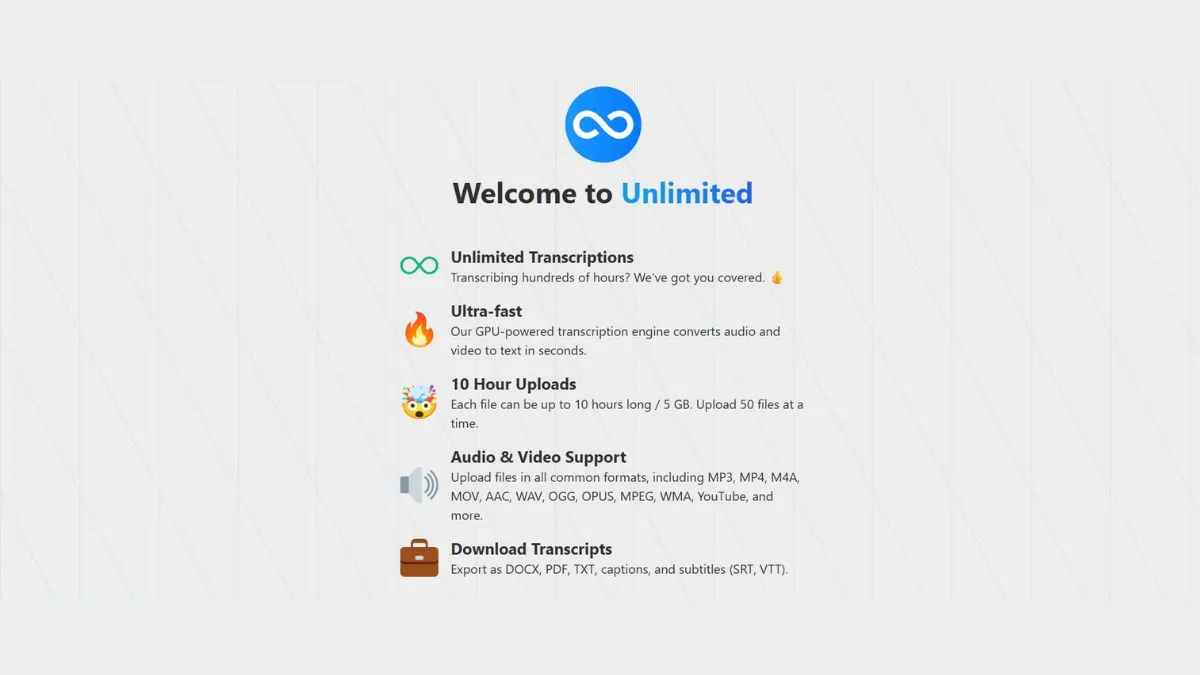
SkyScribe as a practical option
SkyScribe replaces the traditional downloader-plus-cleanup workflow with an integrated process.
Capabilities relevant to Best Transcription Software evaluation
- Instant transcription from links or uploads
- Speaker labels and precise timestamps
- Automatic subtitle generation
- Easy transcript resegmentation
- One-click cleanup
- Unlimited transcription plans
- Content generation tools
- Translation into over 100 languages
- AI-assisted editing
- No forced media downloads
These features address common production bottlenecks without adding complexity.
How integrated transcription changes daily workflows
Podcast workflow example
- Generate transcript
- Clean and resegment
- Export text and subtitles
- Create summaries
Interview workflow example
- Produce speaker-labeled transcript
- Extract quotes
- Translate if needed
Webinar or course workflow example
- Process long recordings
- Generate chapters and summaries
- Export multilingual subtitles
Integrated workflows highlight what separates average tools from the Best Transcription Software.
Practical implementation tips
- Define cleanup rules
- Standardize speaker labels
- Choose segmentation intentionally
- Include human review
- Align translation expectations
- Archive source audio
- Test with real-world content
Cost and scaling considerations
- Per-minute pricing increases costs quickly
- Flat-fee or unlimited plans simplify budgeting
- Time saved on cleanup impacts ROI more than raw transcription cost
Evaluating cost alongside efficiency is essential when selecting the Best Transcription Software.
Final thoughts
Transcription is a routine but high-impact part of content production. Real gains come from reducing manual cleanup, preserving structure, and simplifying exports.
SkyScribe is one practical option that integrates many features associated with the Best Transcription Software, including instant transcripts, subtitle generation, speaker labeling, flexible resegmentation, AI cleanup, and scalable pricing.
If your workflow is slowed by inconsistent transcripts, broken subtitles, or unnecessary downloads, consider tools that prioritize clean output, fast editing, and reusable formats.
